
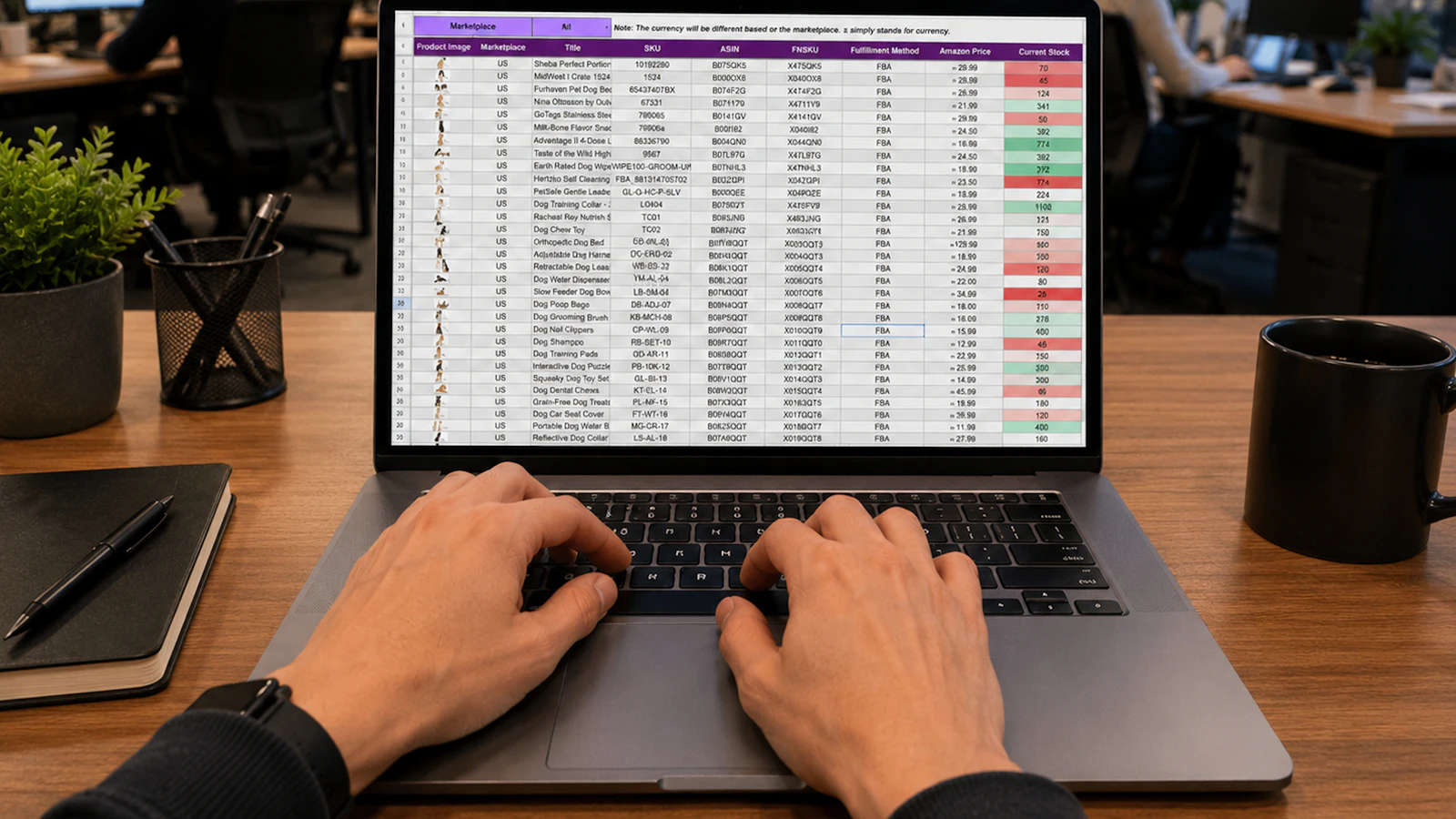
Spreadsheets are where most family businesses start, and for good reason. They’re flexible, familiar, and free. But as a company grows, the same spreadsheets that once made life easier start causing errors, delays, and late nights. Here are seven signs your business has outgrown spreadsheets, and what to do about it.
1. The same data lives in several places
Customer details in one file, orders in another, pricing in a third. Every time something changes, someone has to update it everywhere, and sooner or later one copy is wrong.
2. Only one person really understands the workbook
If a single employee built the master spreadsheet and everyone depends on them to fix it, your business has a single point of failure. Vacations, retirements, and turnover become operational risks.
3. Month-end takes days instead of hours
When closing the books or producing reports requires copying, pasting, and reconciling multiple files, your team is spending valuable time on work a system could do automatically.
4. Errors are reaching customers
Wrong prices on quotes, missed orders, double shipments, or incorrect invoices are often the result of manual data entry between spreadsheets. Each mistake costs money and goodwill.
5. You can’t get a clear answer to simple questions
“What are our margins by product?” “How much inventory do we really have?” If answering takes a week, decisions are being made on gut feel instead of numbers.
6. Several people can’t work at the same time
Locked files, conflicting versions, and “who has the latest copy?” emails are a sign the tool no longer fits how your team works.
7. Your growth plans depend on more manual work
If adding customers, locations, or products means hiring more people just to keep the spreadsheets updated, the system is limiting your growth.
What to do once you’ve outgrown spreadsheets
You don’t have to replace everything at once. Most businesses get the best results by:
- Identifying the one or two processes causing the most pain, such as orders, inventory, or invoicing
- Choosing a system that fits how your business works, whether that’s an ERP, a CRM, or a focused custom tool
- Connecting it to the tools you keep, so data is entered once
- Training your team and retiring the old spreadsheets on a clear date
Our guide to modernizing an older business without disrupting operations walks through this step by step, and getting your team on board covers the people side.
The bottom line
Spreadsheets aren’t the problem. Using them as your core business system after you’ve outgrown them is. The good news is that moving to better systems can be done in stages, with each step paying for itself.
Talk it through with a senior advisor
One80 Group is a technology partner for family businesses from first idea to $200M. Book a free 15-minute consultation and we’ll give you a plain-English view of your best next step.